
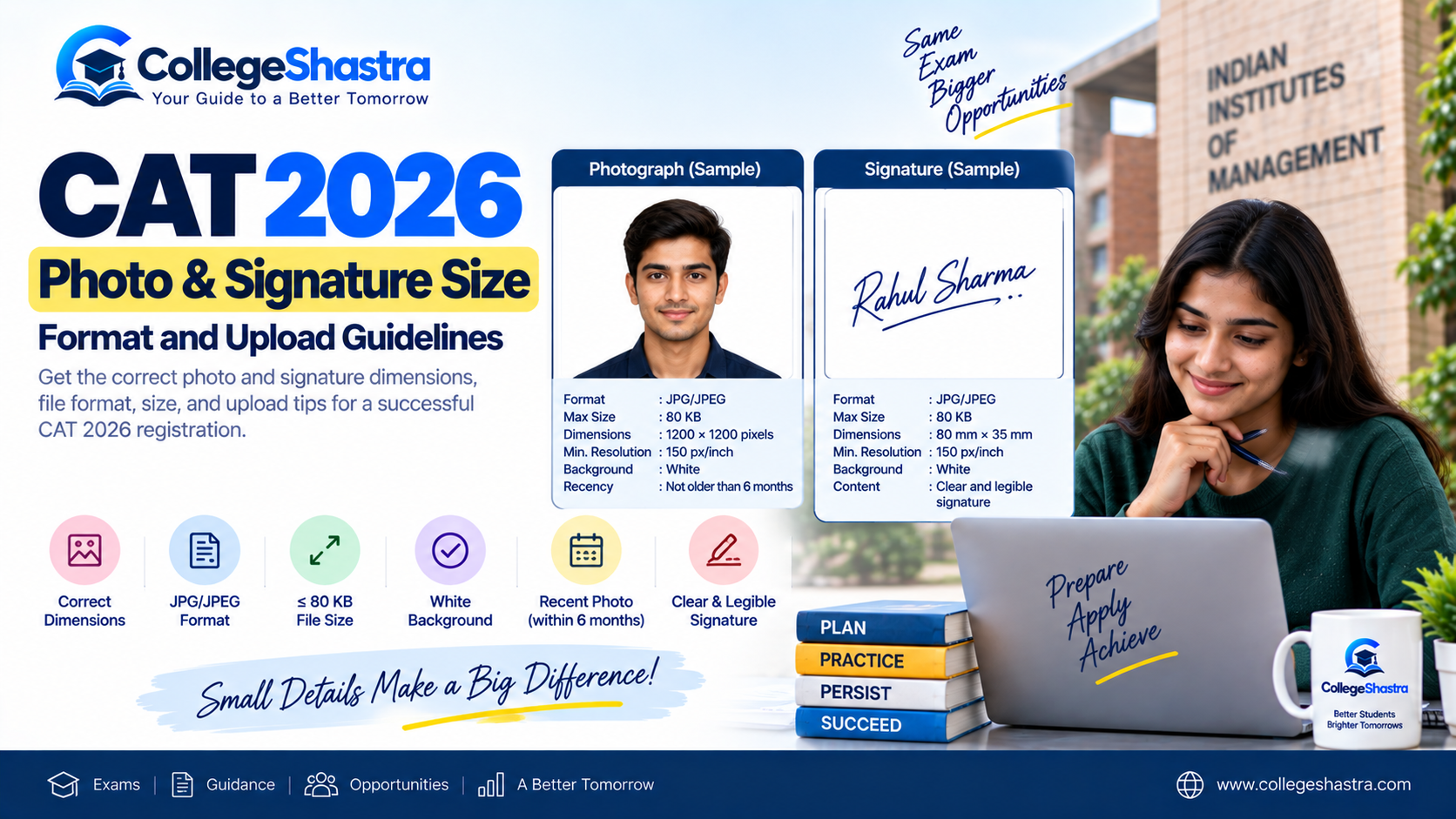
CAT 2026 photo and signature must be uploaded in JPG/JPEG format with a maximum file size of 80 KB each. The photograph should be recent, have a white background and fit within 1200 × 1200 pixels, while the signature should fit within 80 mm × 35 mm.
Candidates filling the CAT 2026 application form must upload a recent passport-size photograph and scanned signature in the prescribed format. The photograph and signature are uploaded in the Personal Details section of the CAT application before proceeding to academic details.
CAT 2026 Photo and Signature Size: Quick Overview
| Requirement | Photograph | Signature |
|---|---|---|
| File format | JPG/JPEG | JPG/JPEG |
| Maximum file size | 80 KB | 80 KB |
| Dimensions | Within 1200 × 1200 pixels | Within 80 mm × 35 mm |
| Minimum resolution | 150 px/inch | 150 px/inch |
| Background | White | White/clean background |
| Recency | Not older than 6 months | Current candidate signature |
| Upload section | Personal Details | Personal Details |
These specifications are reflected in the current CAT 2026 registration guidance.
CAT 2026 Photograph Specifications
The photograph uploaded during CAT registration is used to identify the candidate during later stages of the examination. Make sure your CAT 2026 photograph meets these requirements:
- recent passport-size photograph;
- taken within the last six months;
- JPG or JPEG file;
- file size not exceeding 80 KB;
- dimensions within 1200 × 1200 pixels;
- minimum resolution of 150 pixels per inch;
- plain white background; and
- face clearly visible.
Current CAT 2026 guidance also recommends retaining physical copies of the same photograph because the uploaded photograph is required again with the CAT admit card on examination day.
CAT 2026 Photo Size
The most important technical requirements are:
Maximum file size: 80 KB
Format: JPG/JPEG
Maximum dimensions: 1200 × 1200 pixels
Minimum resolution: 150 px/inch
Do not confuse pixel dimensions with file size. An image can be 1200 × 1200 pixels and still exceed 80 KB, in which case it must be compressed before uploading.
CAT 2026 Signature Specifications
Candidates must upload a clear scanned image of their own signature. The CAT 2026 signature requirements are:
- JPG/JPEG format;
- maximum file size of 80 KB;
- dimensions within 80 mm × 35 mm;
- minimum resolution of 150 px/inch; and
- clear and legible signature against a clean white background.
The signature should belong to the candidate and should be clearly visible in the application preview.
CAT 2026 Signature Size
| Specification | Requirement |
|---|---|
| Width | Up to 80 mm |
| Height | Up to 35 mm |
| File size | Maximum 80 KB |
| Format | JPG/JPEG |
| Resolution | Minimum 150 px/inch |
Avoid stretching the signature image just to match the dimensions because this can make it blurry or distorted.
How Should the CAT Photograph Look?
Apart from file size and dimensions, image quality matters.
For a safe upload:
- use a plain white background;
- face the camera directly;
- keep the face clearly visible;
- avoid heavy shadows;
- avoid blurry or pixelated images;
- do not use excessive filters or image effects; and
- use a recent photograph that clearly represents your current appearance.
Current CAT 2026 photo guidance also advises against obscuring the face and requires clear visibility for candidate identification.
Can You Wear Glasses in CAT 2026 Photograph?
Normal prescription glasses are generally acceptable if:
- your eyes remain clearly visible;
- there is no glare or reflection; and
- the glasses do not obscure your face.
Dark or tinted glasses should be avoided in the registration photograph.
How Should You Prepare the CAT Signature?
For a clean signature image:
- Sign normally on clean white paper.
- Use a dark blue or black pen.
- Scan or capture the signature clearly.
- Crop the image around the signature area.
- Save it as JPG/JPEG.
- Resize/compress it below 80 KB without making it blurry.
- Check the preview before saving the application.
Do not upload someone else’s signature or an unrelated image.
How to Upload Photo and Signature in CAT 2026 Form
Candidates can upload both files through the CAT application dashboard.
Step 1: Open CAT Candidate Login
Visit iimcat.ac.in and open the Registered Candidate Login.
Enter:
- CAT User ID;
- password; and
- CAPTCHA.
Step 2: Open the Application
After login, click Go to Application.
Step 3: Open Personal Details
Go to the Personal Details section.
Complete the required personal, category, address and contact information.
Step 4: Go to Documents Upload
Scroll to the document-upload area.
Separate upload options are provided for:
- passport-size photograph;
- signature; and
- applicable category/PwBD certificates.
Step 5: Upload Photograph
Click the photograph upload option and select the JPG/JPEG file saved on your device.
Check that:
- the correct photograph appears;
- the image is upright;
- your face is clear; and
- the photograph is not distorted.
Step 6: Upload Signature
Select the prepared signature file.
Confirm that the entire signature is visible and not cut off.
Step 7: Check the Preview
Review both images carefully on screen.
If either file appears:
- blurred;
- stretched;
- rotated;
- cropped incorrectly; or
- difficult to read,
replace it before proceeding.
Step 8: Click Save & Next
Once the photograph, signature and any applicable certificates are correctly uploaded, click Save & Next to continue the CAT application.
The current CAT 2026 registration workflow places these uploads under Personal Details before academic information is entered.
How to Reduce CAT Photo Size Below 80 KB
If your photograph exceeds 80 KB, you need to compress it while preserving clarity.
A simple process is:
- Open the photograph in an image editor.
- Crop unnecessary background space.
- Resize the image while keeping it within the permitted dimensions.
- Save/export it as JPG/JPEG.
- Reduce JPEG quality slightly if needed.
- Check the final file size.
- Make sure the image still looks clear at normal viewing size.
Avoid excessive compression. A file below 80 KB is not useful if the face becomes pixelated.
How to Resize CAT Signature Below 80 KB
For the signature:
- Crop only the area containing the signature.
- Keep the image within 80 mm × 35 mm.
- Save it as JPG/JPEG.
- Compress it below 80 KB.
- Confirm that every part of the signature remains visible.
Cropping excess white space can significantly reduce the file size without affecting signature quality.
CAT Photo or Signature Not Uploading: Common Reasons
If the CAT portal rejects your image, check these issues first:
| Problem | What to Check |
|---|---|
| File won’t upload | Confirm JPG/JPEG format |
| “File too large” error | Compress below 80 KB |
| Photo rejected | Check dimensions and white background |
| Signature distorted | Maintain proportions and crop correctly |
| Image looks blurry | Use a higher-quality original |
| Preview is sideways | Rotate and save before uploading |
| Wrong photo uploaded | Replace it before final submission |
| PNG/PDF not accepted | Convert to JPG/JPEG |
Current CAT registration guidance identifies incorrect file type, file size, dimensions and poor image quality among the common causes of upload problems.
JPG vs JPEG: Which Format Should You Use?
Both .jpg and .jpeg are accepted for CAT 2026 photograph and signature uploads. They are effectively the same image format with different file extensions.
Formats such as:
- PNG;
- PDF;
- WebP;
- GIF; and
- BMP
should not be used for the photograph or signature unless the live CAT portal specifically changes its requirements.
Do You Need the Same CAT Photograph on Exam Day?
Yes. Candidates should retain copies of the same photograph uploaded during CAT registration. Current CAT guidance states that the uploaded photograph is used again with the CAT admit card on the day of the examination. Therefore, keeping several printed copies after registration is a sensible precaution.
Can You Change CAT 2026 Photo or Signature After Submission?
Candidates should assume the photograph and signature are final once the application is submitted and payment is completed under the standard application workflow. Do not submit an incorrect image on the assumption that it can definitely be corrected later.
CAT 2026 Photo & Signature Checklist
Before submitting the Personal Details section, verify:
Photograph
- JPG/JPEG format
- Maximum 80 KB
- Within 1200 × 1200 pixels
- At least 150 px/inch
- White background
- Taken within six months
- Face clearly visible
- Not blurred or stretched
- Printed copies retained
Signature
- JPG/JPEG format
- Maximum 80 KB
- Within 80 mm × 35 mm
- At least 150 px/inch
- Clearly visible
- Candidate’s own signature
- Not cropped at the edges
- Preview checked before submission
Common CAT 2026 Photo & Signature Mistakes to Avoid
Avoid:
- uploading a photograph older than six months;
- using a coloured or distracting photo background;
- uploading a file larger than 80 KB;
- using PNG or PDF for photo/signature;
- stretching the image to force dimensions;
- uploading a blurred signature;
- cutting off part of the signature while cropping;
- uploading the wrong candidate’s photograph;
- skipping the preview; and
- waiting until the registration deadline to prepare files.
Also Read:
CAT 2026: Exam Date, Registration, Eligibility, Syllabus, Pattern & Updates
CAT 2026 Registration Last Date: Apply Link, Fees & Form
How to Fill CAT 2026 Application Form: Step-by-Step Registration Guide
CAT 2026 Documents Required for Registration: Complete Checklist
FAQs on CAT 2026 Photo & Signature
Is a CAT photo of exactly 80 KB acceptable?
Yes. The CAT requirement states that the photograph and signature should not exceed 80 KB, so a file of exactly 80 KB is within the stated limit.
Can I crop or compress my CAT photo using an image editor?
Yes, as long as the final image continues to meet the prescribed CAT dimensions, format, resolution and clarity requirements. Avoid excessive compression or stretching.
Can I upload a digital or typed signature for CAT 2026?
Candidates should upload a scanned image of their own handwritten signature, not a typed name or unrelated digital graphic. Current CAT guidance specifies a scanned candidate signature.
What if my appearance changes after uploading the CAT photograph?
Minor changes in hairstyle, beard or appearance do not automatically make a photograph unusable, but the candidate should remain clearly identifiable from the uploaded image. This is one reason CAT requires a recent photograph.
Should my CAT signature match the signature on my identity document?
The CAT upload must be the candidate’s own genuine signature and should be used consistently during the examination/admission process. Candidates should avoid deliberately changing their usual signature after registration.